
Bring in the job
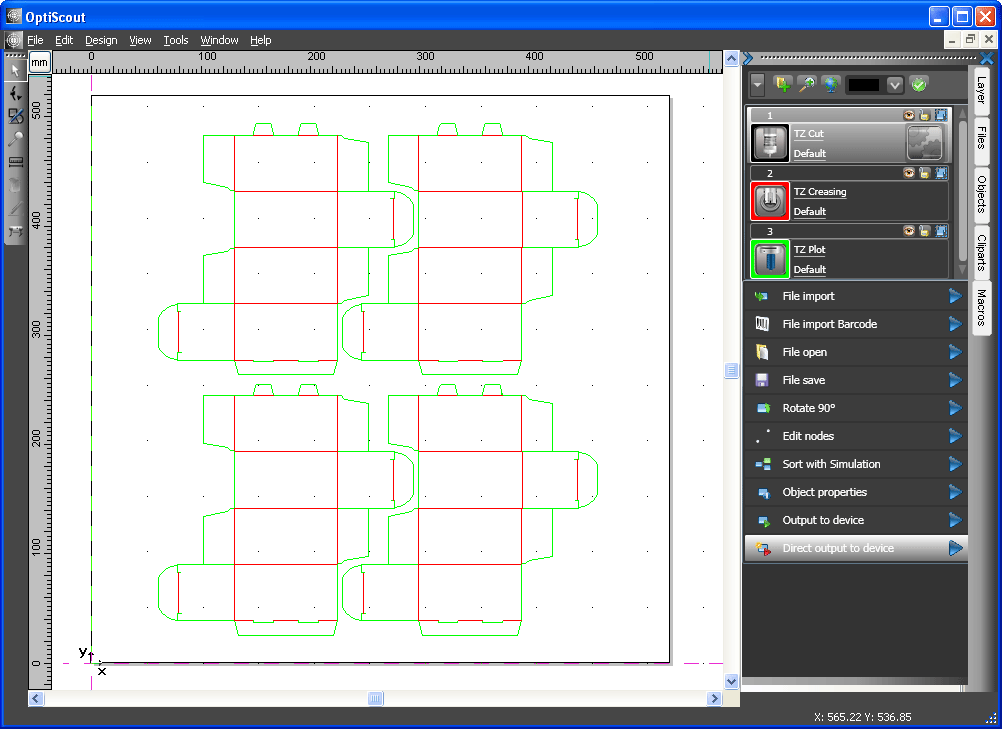
Import from effectively any illustration or CAD application, and from the RIP you already run. Contours can come from the file or be generated from the artwork.
Call the service team, or send us the fault details online.
OptiScout software and cutter modernisation
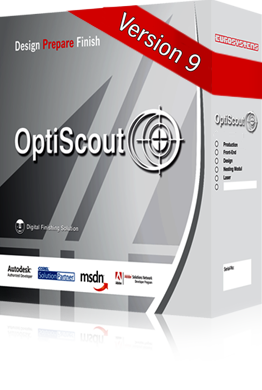
OptiScout is optical recognition and finishing software for flatbed cutting, milling, lasering and engraving. A camera finds the print on the bed and the software cuts to the contour. It can also provide a current control environment for compatible cutters whose original PC or software is obsolete.
How it works
The problem OptiScout solves is that printed material never lands on the bed exactly where the file says it should. Paper stretches, board sits skew, a roll feeds a millimetre out. The camera measures what is actually there and the cut follows it.
Import from effectively any illustration or CAD application, and from the RIP you already run. Contours can come from the file or be generated from the artwork.
The camera reads the marks on the printed sheet and the software compensates for position, rotation, stretch and distortion before anything moves.
True shape nesting places parts to their actual outline rather than their bounding box, which is where the material saving comes from on irregular shapes.
Output to the machine with the tool, speed and pressure settings held against the material rather than retyped by the operator each time.
What is in it
OptiScout is modular, so the licence matches the work rather than the price list. Two things that used to be extras are now standard in version 9.
Module names and version as published by Eurosystems Neo S.à r.l., who develop OptiScout. Which modules you need depends on the machine, the material and the volume, which is what a demonstration settles.
Compatibility
This is the reason most people end up with it. The finishing software is separate from the machine, so a workshop running two makes of table can run one workflow across both, and replacing a machine does not mean relearning the software.
Data import from effectively any illustration or CAD program, and from the RIPs already running in most print rooms. If your artwork route is unusual, tell us what it is and we will test it rather than guess.
Flatbed cutting, routing, milling, lasering and engraving machines from a range of manufacturers, including makes we support and makes we do not. Send us the make, model and control system and we will confirm before you commit to anything.
Older machines
Cutting tables outlast the software that drives them. A table that still cuts accurately can be running a workflow nobody supports, refusing modern file types, or sitting idle because the one operator who understood it has left. Putting current software on it is a fraction of the cost of replacing it.
Supply, installation and support
A licence key and a download link leave you to work out the rest. Bought here, the software arrives on a machine that has been set up for it, with people who understand both halves of the problem.
UK Distribution Partner
OptiScout refers UK software sales enquiries to Dennison, and OptiScout software is supplied with every refurbished Zünd cutting system sold by Dennison.
The useful first step is a demonstration with one of your own files on your own material, because that answers the compatibility question properly and a specification sheet does not.
Arrange a demonstrationDennison Group is an independent equipment supplier and service provider. We are not affiliated with, authorised by or endorsed by Zünd Systemtechnik AG, Eurolaser, Kongsberg. All trademarks remain the property of their respective owners and are used solely for identification purposes.
Tell us the machine you are running and what you need it to cut. We will tell you whether OptiScout drives it, which modules it would actually need, and what it costs.
You can come back and change this at any time using Manage cookie preferences in the footer. Withdrawing consent stops anything new being set and removes what we can remove from this browser.